Page 1 of 3
F1 Computer Photo Graphics and Illustration
Posted: 22 Mar 2009, 20:40
by Carlos
I've discovered photo editing and computer graphics. This photo from the F1Technical Gallery has been tone mapped to restore not just exposure but also colour. There's quite a difference. If you have something you would like to clean up send me a PM.If I have time I can process it.

Original

Tone Mapped
Re: F1 Computer Photo Graphics and Illustration
Posted: 22 Mar 2009, 22:29
by Carlos

EDIT - Photo From F1Technical Gallery
Re: F1 Computer Photo Graphics and Illustration
Posted: 31 Mar 2009, 20:42
by Carlos

EDIT - Original Photo From The F1Technical Gallery
Re: F1 Computer Photo Graphics and Illustration
Posted: 31 Mar 2009, 20:53
by mx_tifoso
Whats the process for the last image? Looks cool.
Re: F1 Computer Photo Graphics and Illustration
Posted: 01 Apr 2009, 02:31
by Carlos
I like that style too. Basically take an image and convert it to an illustration, with a very wide black line highlighting the curves and lettering well, then choosing colours that echo the original photo, but have a water colour wash look to them, choose 2 layers of background colours and paint everything onto the line drawing. It's like building up layers, that one has 1 layer of line and 3 layers for the paint colours. The original photo is from the F1technical gallery.
Re: F1 Computer Photo Graphics and Illustration
Posted: 12 Apr 2009, 22:53
by Carlos
Re: F1 Computer Photo Graphics and Illustration
Posted: 21 Apr 2009, 18:09
by modbaraban
 http://i446.photobucket.com/albums/qq18 ... 09desk.jpg
I
http://i446.photobucket.com/albums/qq18 ... 09desk.jpg
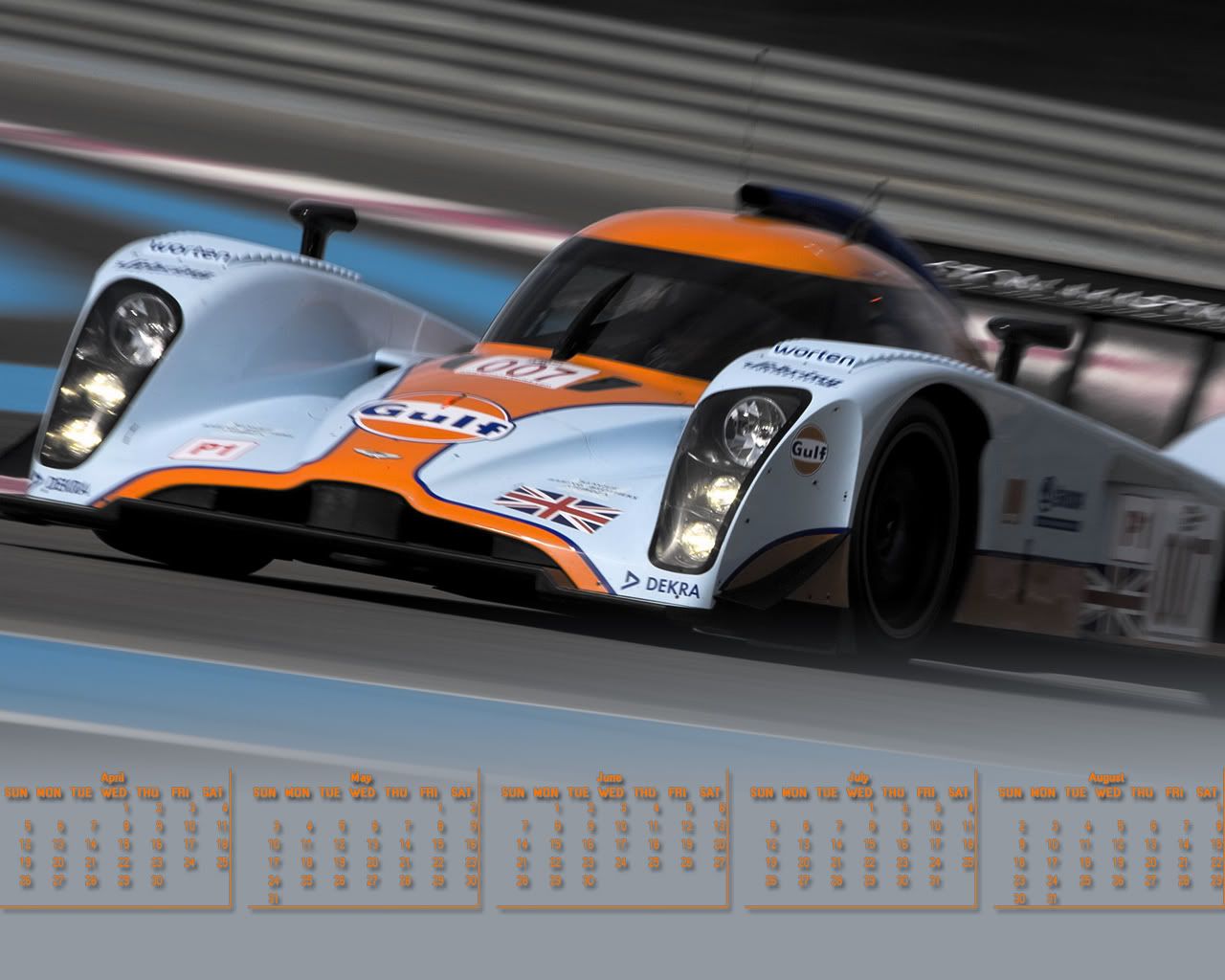
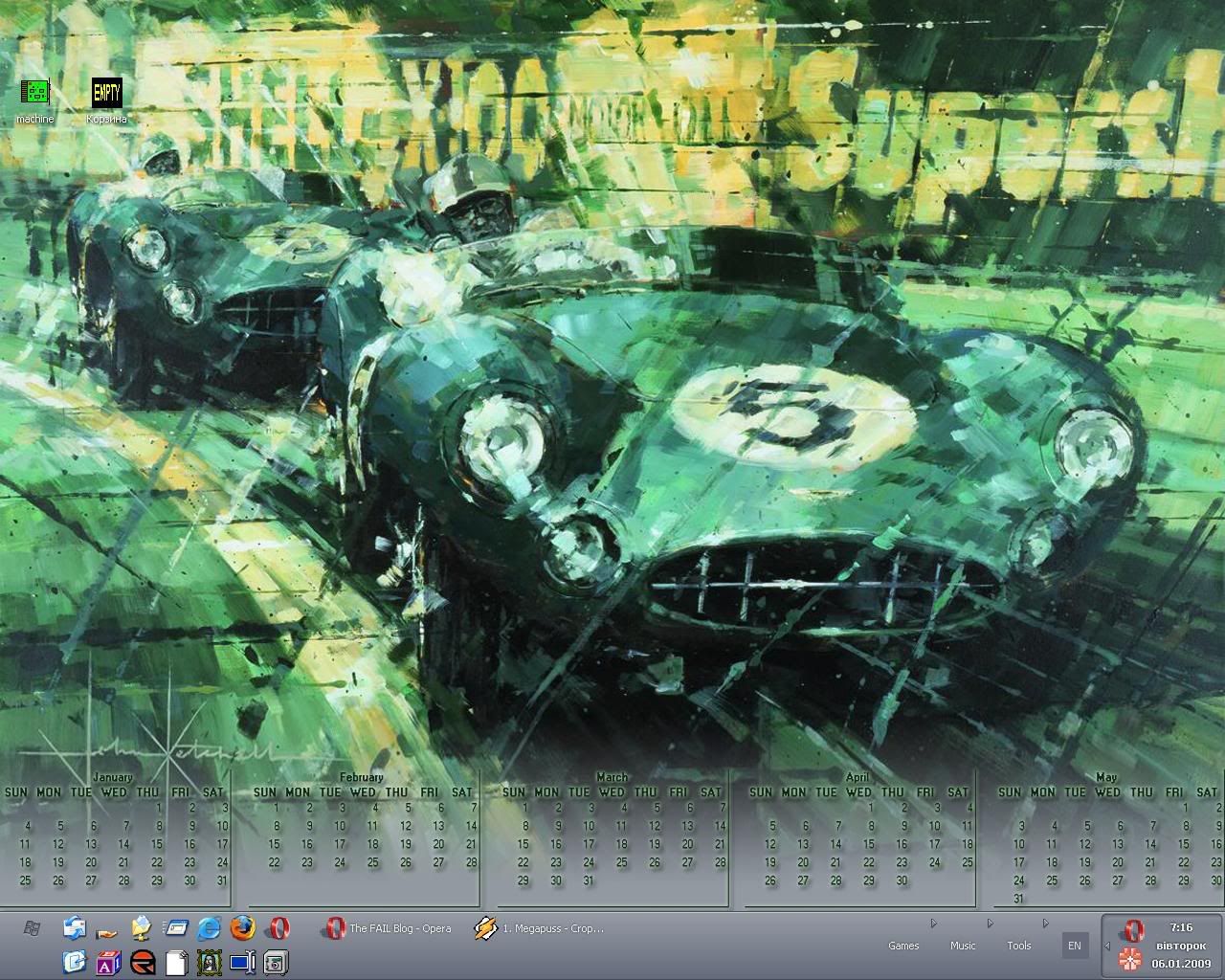
I made myself another 1280x1024 desktop calendar. Thought I could share this one.
The old one is now outdated albeit beautiful.
Re: F1 Computer Photo Graphics and Illustration
Posted: 21 Apr 2009, 19:36
by Giblet

Original

Is this a retouch? Another camera in the exact same spot and moment in time? Two different developments of the same negative makes the most sense to me.
I can't tell by the pixels yet :/
Re: F1 Computer Photo Graphics and Illustration
Posted: 21 Apr 2009, 21:51
by Ciro Pabón
In the header of most pictures you can find information about the camera that took the image, the exposition, etc.
Unfortunately those pictures have no information, probably because of the date they were taken, or, as you say, because they are "analog" pictures.
Just in case, for the next time you are in this predicament, this info is called EXIF and IPTC data. In JPG images you can also find optional comments that can be embedded in the picture.
http://en.wikipedia.org/wiki/Exchangeab ... ile_format (EXIF)
http://en.wikipedia.org/wiki/IPTC_Infor ... ange_Model (IPTC)
There are several programs to extract that info, like PIE (Picture Information Extractor) by Picmeta:
http://www.picmeta.com/download.htm
A warning: you have to use a program that conserves the information of the picture when copying or moving from the web to your PC. I use IrfanView, a completely free program, that has very decent image editing abilities:
http://www.irfanview.com/ LView, my favorite image editing software, also allows you to keep that info:
http://www.lview.com/download.htm
Re: F1 Computer Photo Graphics and Illustration
Posted: 22 Apr 2009, 01:12
by modbaraban
Are you completely sure that it's not vice versa? The
ideal looking picture might be the original and the upper one could be an excersize on adding some sort of realistic dirty lens effect.
Also have a look at the bottom left corner. You just can't get the stuff that wasn't there on the 'original' picture.
Re: F1 Computer Photo Graphics and Illustration
Posted: 22 Apr 2009, 01:23
by Giblet
There is info missing in the corner, which is likely a badly centered negative. This could have developed in a 1970's style photo booth, which were still all over in the 80's.
The negative, in regular photography, _is_ the original picture, then it gets developed to photo paper. That paper can be centered properly.
The bottom image could also be a slide captured off of a slide digitizer, but I think they are both from the same negative.
You could be right, but more likely the photographer realized later in life that the picture were valuable (many Senna shots) and took the negative to replace the now worn and handled photo.
Re: F1 Computer Photo Graphics and Illustration
Posted: 06 Aug 2009, 04:04
by Carlos
I'd say it's a retouch, in that the picture has probably been processed with several filters. In the second one the speckles and dirt have been removed and the colour values are certainly different, look at the Fosters banner, both the backround and the yellow logo are distinctly different.
Here's a print I did today.

Re: F1 Computer Photo Graphics and Illustration
Posted: 06 Aug 2009, 16:42
by Carlos

Ayrton Senna
Fotos France Presse
Re: F1 Computer Photo Graphics and Illustration
Posted: 06 Aug 2009, 19:02
by modbaraban
Can you share any secrets?

Tools/plugins used?
Re: F1 Computer Photo Graphics and Illustration
Posted: 06 Aug 2009, 19:47
by Carlos

It's a project I've been working on for the last year. So I'm kind of quiet about the tools I use. Thanks though, your interest is a compliment.

modbaraban; which version of Senna looks best to you?
